¶ Register With Genshin Wizard
Registering an account with Genshin Wizard allows you to store and manage your builds, wishes, leaderboard, and many more features. We highly recommend you to do so to use Genshin Wizard to its full capacity.
¶ Setting up
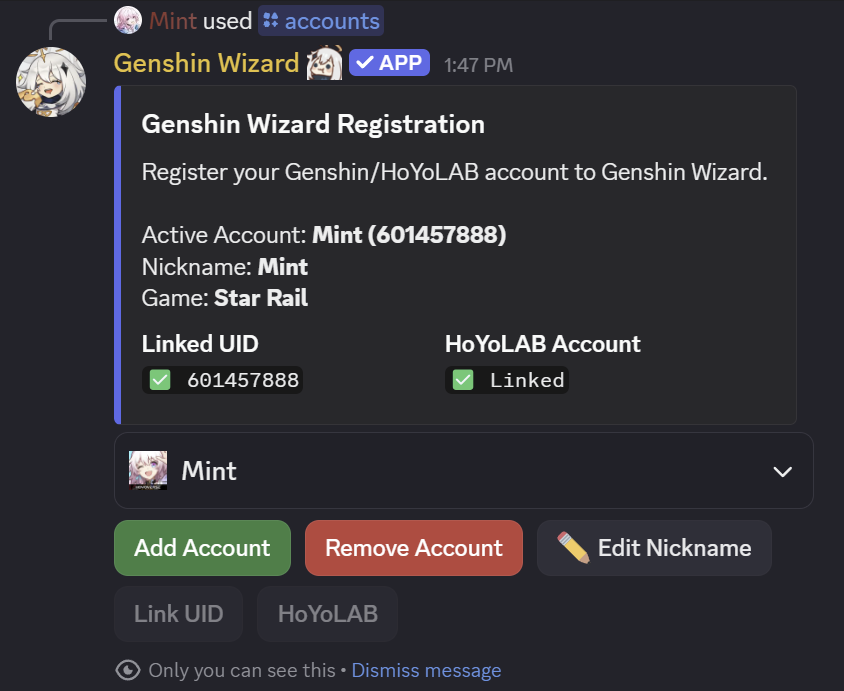
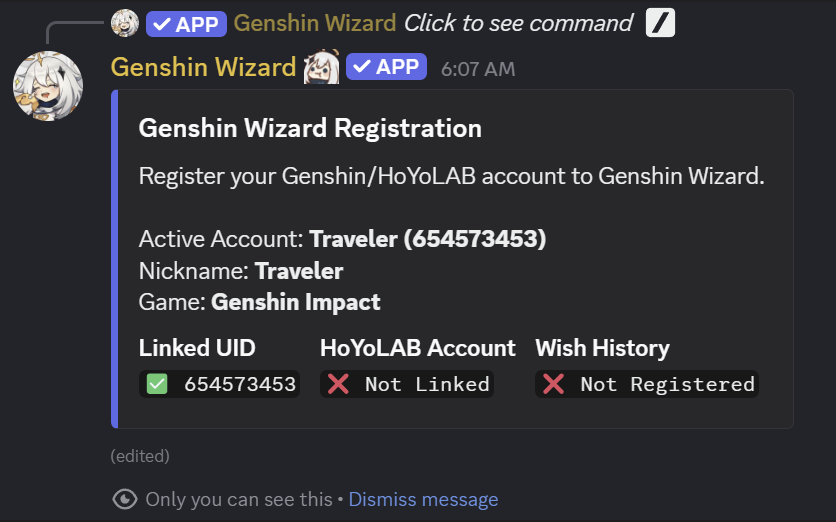
To get started, use the command /accounts. Select Add Account and select the game you wish to register with.
All your actions and interactions via this command cannot be seen by anyone else but you, indicated by "Only you can see this" at the bottom of the response message.
¶ Link UID
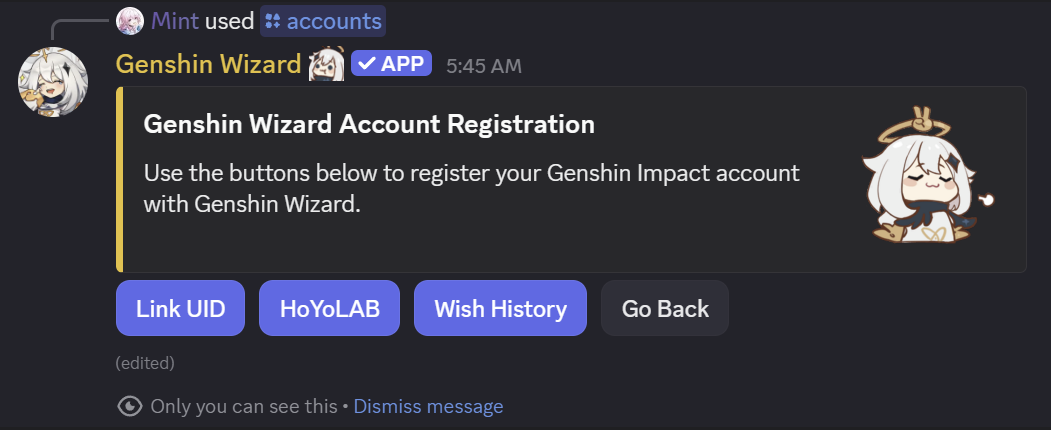
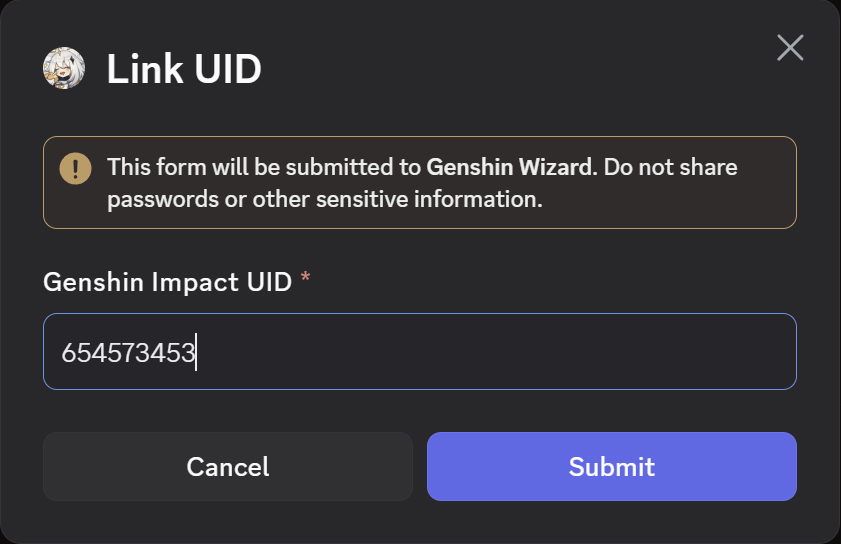
- Following the step above, select Link UID and input your in-game UID, which can always be seen at the bottom right corner when you're in-game. Select Submit when done.
- Open your Genshin Impact game and follow the instructions as prompted.
Logging out after editing your signature may significantly speed up the process, as changes in your account will be made publicly available by MiHoYo shortly after (less than a minute). Though, if you're not in a hurry, feel free to continue playing the game normally while patiently wait for the verification process.
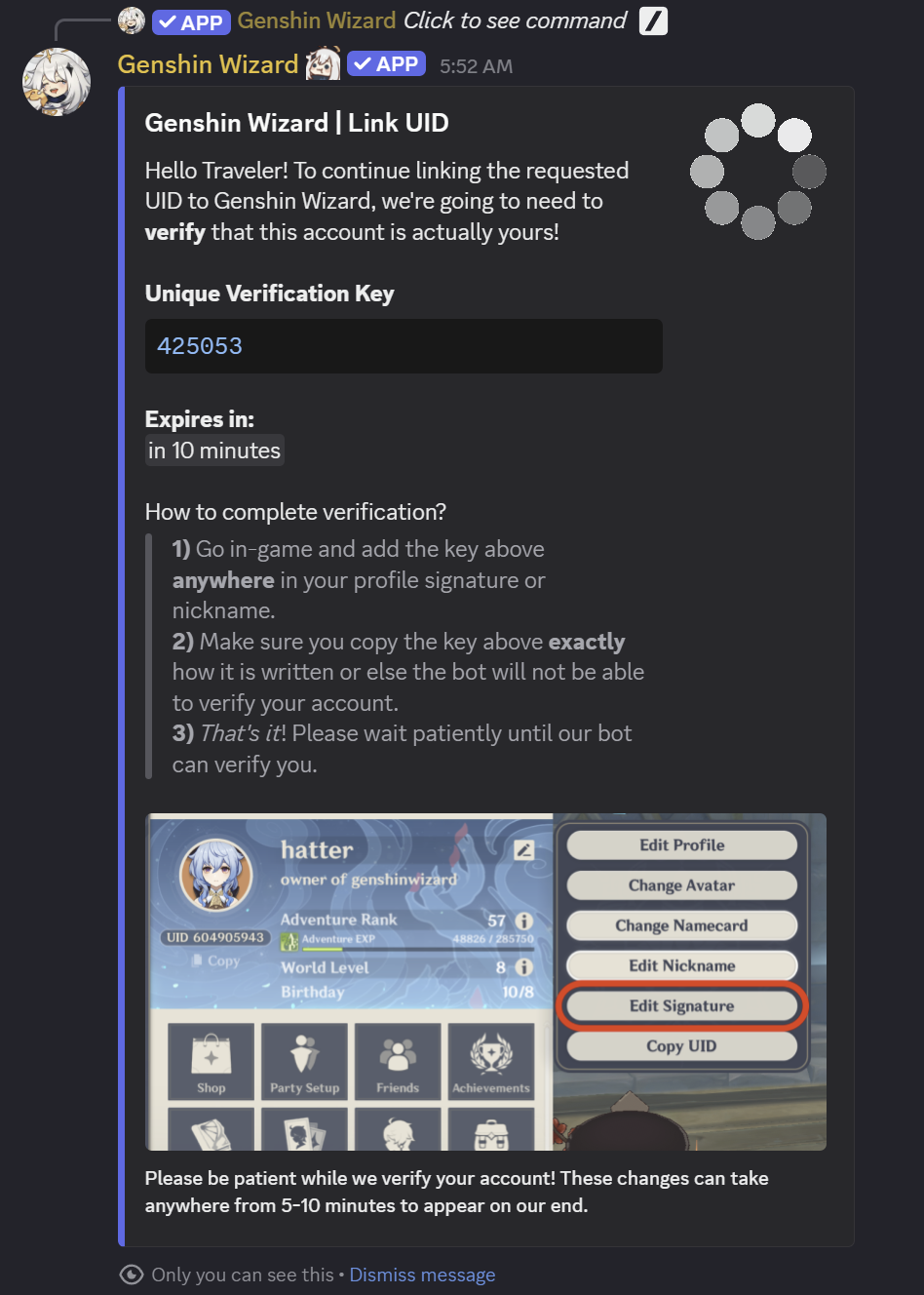
- If the verification was a sucess, the message will be updated.
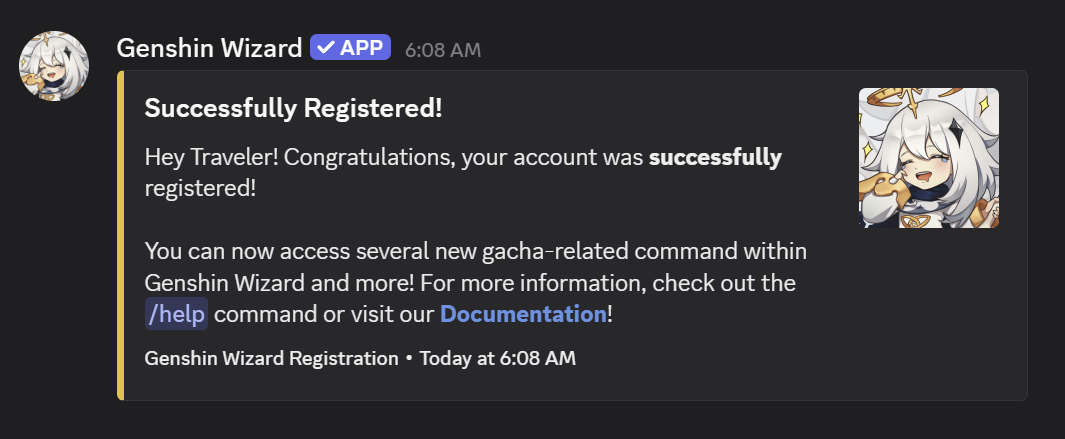
You will also be notified via DM (if your DM is not closed).
Feel free to revert your in-game signature back to what you had after completing verification.