¶ Character Showcase
You must have your UID linked to Genshin Wizard using any of the registration methods to use this feature, which can be found here.
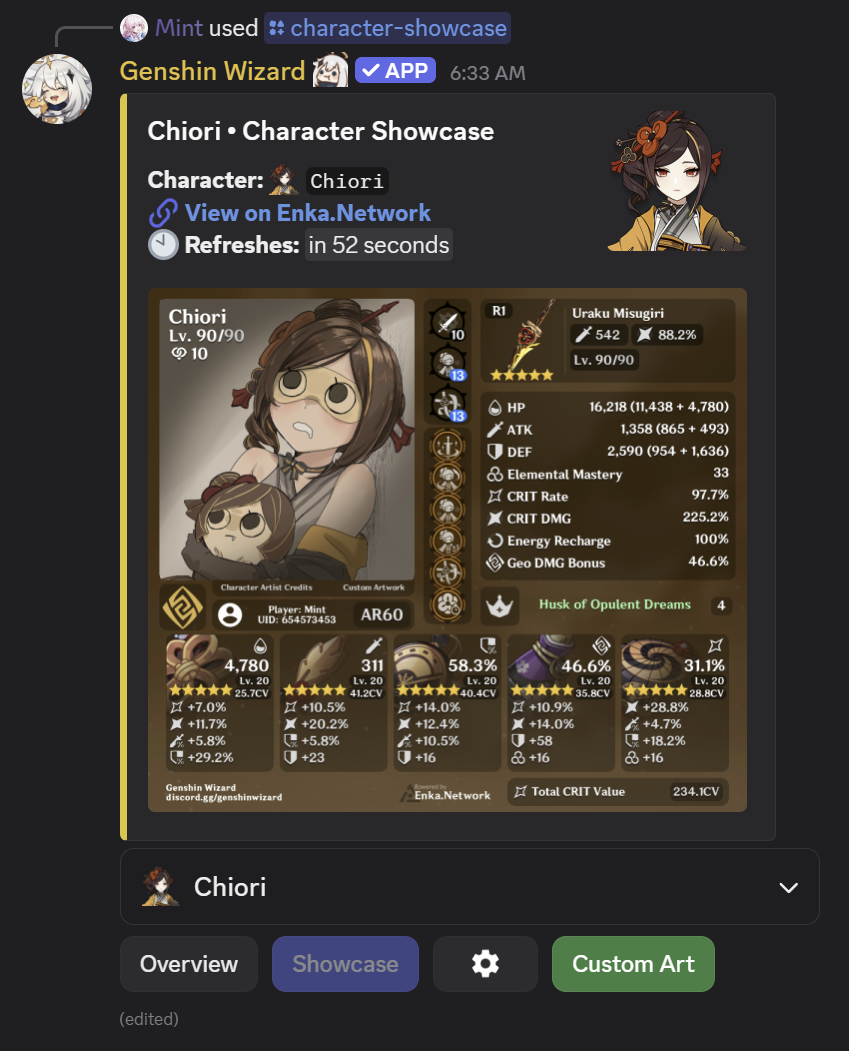
To manage your character builds showcase, use the command /character-showcase.
¶ Storing Builds
Users can store up to 25 builds within Genshin Wizard. Genshin Wizard will automatically save builds to your Genshin Wizard profile, you're able to manage your cached builds by clicking the information button on the relative view. Discord currently only supports 25 elements to be shown on a dropdown, hence the twenty-five limit cap.
Saved characters can be viewed even after you remove them from your in-game showcase. They are stored within the Genshin Wizard databases, always at your disposal.
¶ Managing Builds
- You can manage your builds by clicking on the cogwheel icon, then select Manage Cached Data.

- Select the characters you want to remove, then click on Delete Selected.
Do not mistakenly click on Delete All. This option will remove ALL your saved builds instead.

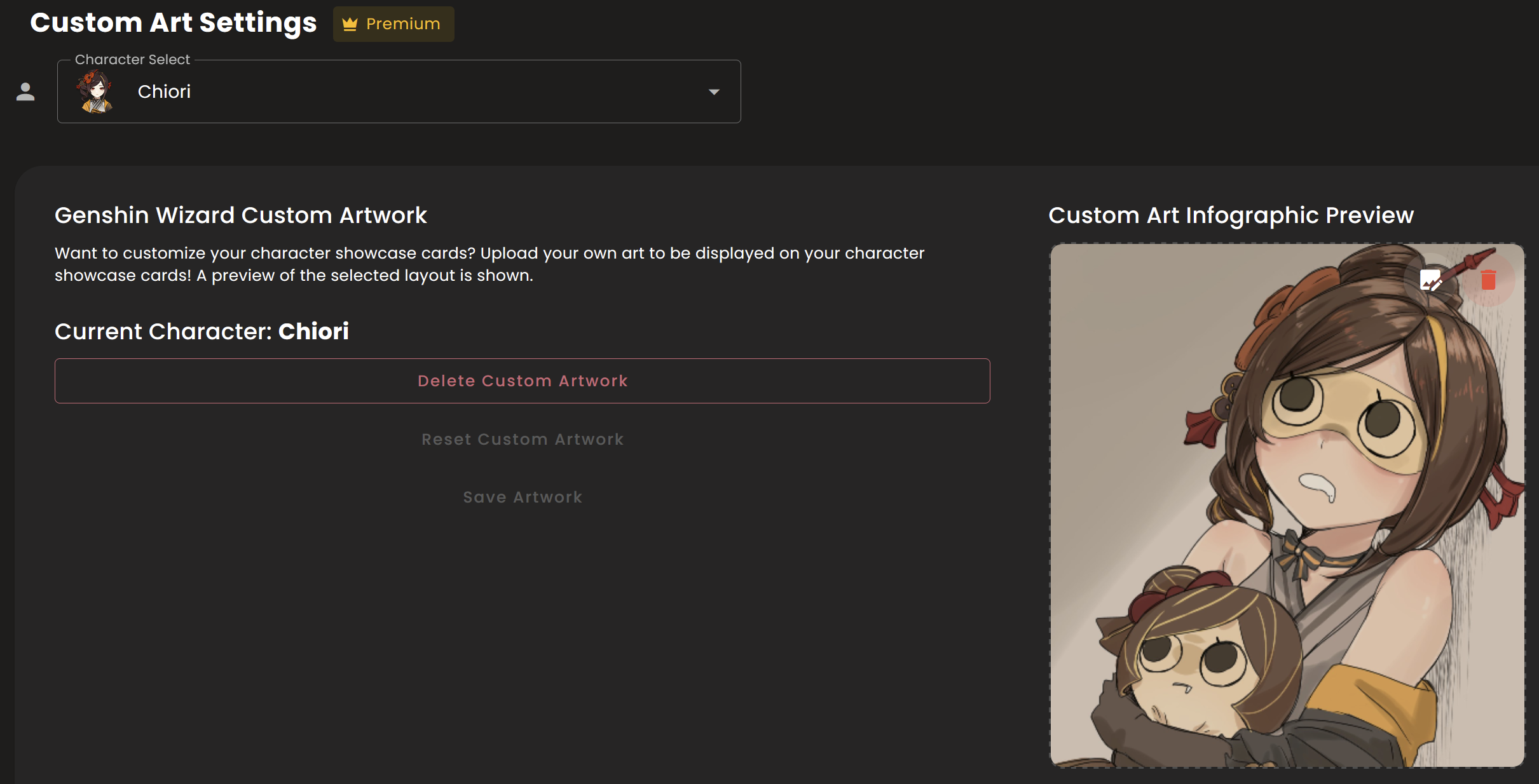
¶ Custom Art
This is a premium feature. You can upgrade by visiting here. Most features of the bot are completely free, and your support means a lot to motivate us and help with server fees.
Genshin Wizard supports adding custom art to your build showcase as a supporter perk. You can do so by following these steps:
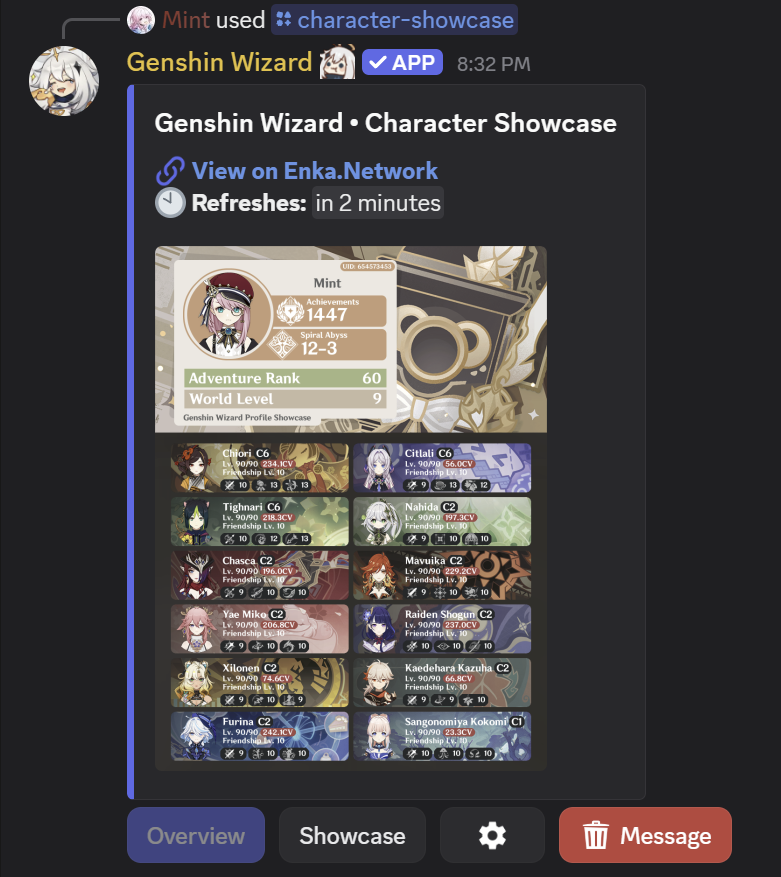
- Use the /character-showcase command.
-
Select Showcase to change your view.
-
Select Custom Art.
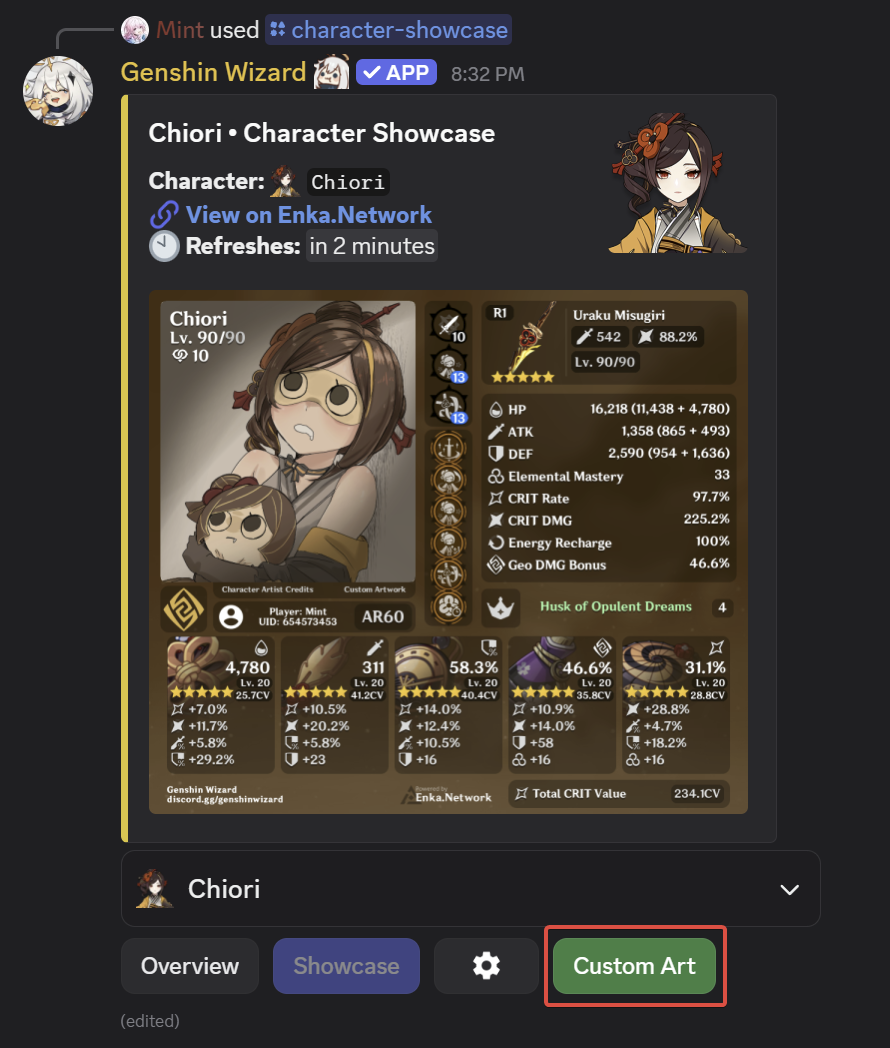
- A new prompt will show up. Select Go to Dashboard.
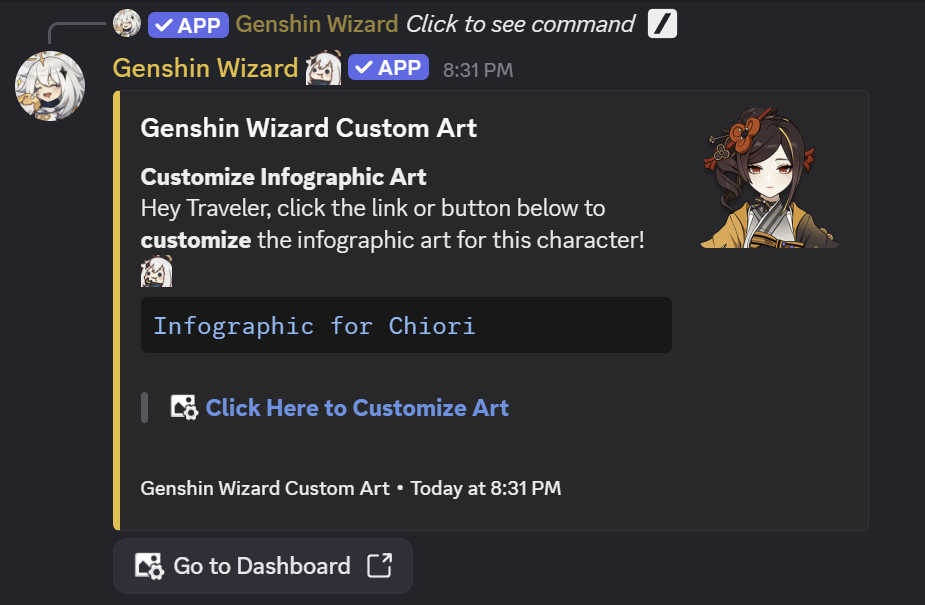
You need to be logged in (using your Discord account) to continue to step 5.
- Use the dropdown to select the desired character and upload your custom art.